SahiTips.com par aapka swagat hai! 😊
Dosto, aaj main aapko Passport status check karne ka poora tareeka bata raha hoon. ✈️
Par pehle meri real case study suno…
📖 Case Study: Priya Ka Passport Journey
Name: Priya Sharma
City: Lucknow
Applied: Normal Quota
Problem: Passport kab aayega? Status kaise check karein?
🔍 Status 1: “Application is under review”
Priya ne kya kiya:
Form submit kiya, PSK gaya, interview diya.
Status: File PSK level par check ho rahi hai.
Wait: 2-4 din.
Priya: “File check ho rahi hai… tension ho rahi hai!”
Main: “Relax! Normal process hai. Agla status aayega — police verification!”
🔍 Status 2: “Pending for Physical Verification”
Kya hua:
File local police station bhej di gayi.
Wait: 7-10 din.
Priya: “Police kab aayegi? Kaise pata chalega?”
Main: “Police khud aayegi — aapke ghar. Documents ready rakho!”
Police Visit:
- Aadhaar check kiya
- Address verify kiya
- Family se baat ki
- Sign liya
✅ Report clear!
🔍 Status 3: “Police Report is Under Review”
Kya hua:
Police report headquarter pahunch gayi.
Wait: 3-5 din.
Priya: “Review mein kitna time lagega?”
Main: “Thoda patience. Final approval aayega!”
🔍 Status 4: “Passport has been Printed / Dispatched” 🎉
Kya hua:
Card print ho gaya. Speed Post se dispatch!
Wait: 5-7 din.
Priya ko mila:
Consignment Number: JN123456789IN
Track kiya:
India Post website par number daala → “Out for Delivery” → 2 din mein aa gaya!
Priya: “Mera passport aa gaya! 25 din mein!” 🎉
✅ Priya Ki Timeline — Total 25 Din!
| Stage | Status | Time |
|---|---|---|
| 1 | Application under review | 3 din |
| 2 | Pending for Physical Verification | 8 din |
| 3 | Police Report is Under Review | 4 din |
| 4 | Passport Printed / Dispatched | 6 din |
| 5 | Delivery | 4 din |
| Total | Passport in hand! | 25 din |
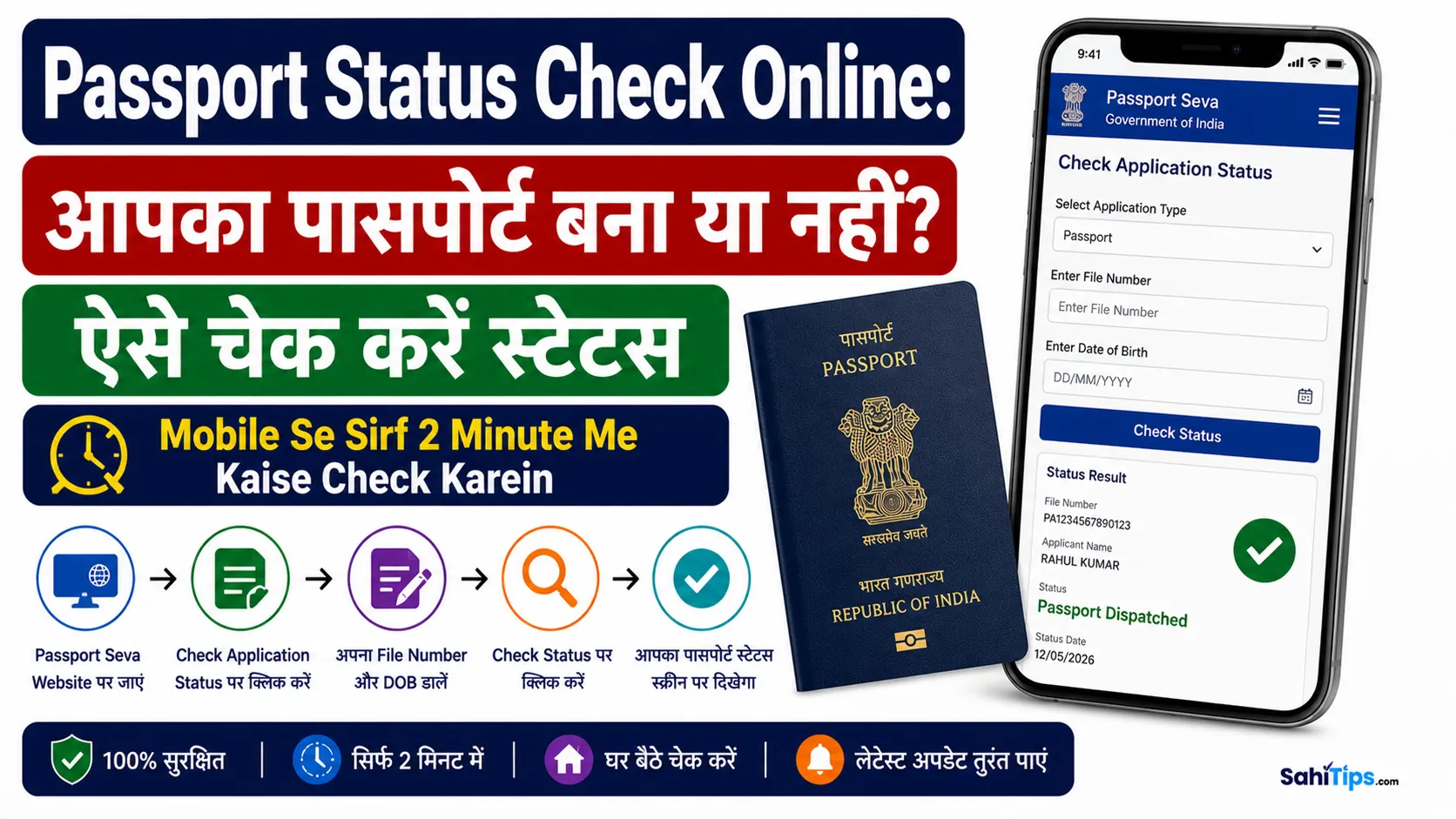
📝 Step-by-Step — Status Kaise Check Karein?
Step 1 — Portal Kholo
🌐 [Click Here – Passport Seva Portal]
Step 2 — “Track Application Status” Click Karo
Left side mein blue icon — click karo.
Step 3 — Application Type Select Karo
“Passport/PCC/IC/GEP” select karo.
Step 4 — File Number + DOB Daalo
- ✅ 15-digit File Number (capital letters mein)
- ✅ Date of Birth
Step 5 — “Track Status” Click Karo
Status khul jayega! 📱
📋 Status Messages — Kya Matlab Hai?
| Status Message | Matlab | Next Step |
|---|---|---|
| Application is under review | PSK mein file check ho rahi hai | Police verification |
| Pending for Physical Verification | Police station bhej di | Police visit |
| Police Report is Under Review | Police report headquarter mein | Final approval |
| Passport has been Printed / Dispatched | Card print ho gaya | Speed Post tracking |
| Passport has been Delivered | Aapke ghar aa gaya! | ✅ Done! |
🚨 What If — Problems Aayi Toh?
| Problem | Solution |
|---|---|
| Adverse Police Report | Documents mein galti / case pending — RPO jao |
| File Number lost | PSK receipt check karo / email se pata karo |
| Status not updating | Wait 2-3 din / RPO contact karo |
| Card not delivered | Speed Post track karo / RPO se collect karo |
🆚 Normal vs Tatkal — Time Comparison
| Quota | Police Verification | Time |
|---|---|---|
| Normal | Pehle verification | 15-30 din |
| Tatkal | Baad mein verification | 3-7 din |
📦 Consignment Number — Track Kaise Karein?
| Steps | Kya Karein? |
|---|---|
| 1️⃣ | Status page se Consignment Number copy karo |
| 2️⃣ | India Post website kholo |
| 3️⃣ | Number daalo → Track karo |
| 4️⃣ | “Out for Delivery” dikhe → Ghar pe raho! |
💡 Meri Personal Advice
Dosto, Passport status check bahut easy hai!
- ✅ File number rakho
- ✅ Time to time check karo
- ✅ Police visit ke liye ready raho
- ✅ Consignment number track karo
Priya ka 25 din mein passport aa gaya! ✈️
Aap bhi track karo — tension mat lo! 😊
🙏 Thank you for reading!
- ✅ SahiTips.com ko visit karte rahiye
- ✅ Comment karein — aapka passport aaya? Kya problem aayi?
- ✅ Share karein — apne doston ko batayein
Apna Passport status zaroor track karein! ✈️💪
